My Moments
Keep a little of your day.
Keep words, photos, and your voice for yourself, ready to revisit.
Your words. Your photos. Your real voice.
For your partner, your family, or your future self. Keep the little moments, the goodnights, and the voices you’ll want to hear again.
Free download · Optional VIP · Ages 18+
App available in Simplified Chinese and English · See availability
My Moments
Keep words, photos, and your voice for yourself, ready to revisit.
Family Moments
Share everyday life with family or your partner, and respond in a private space.
Letters
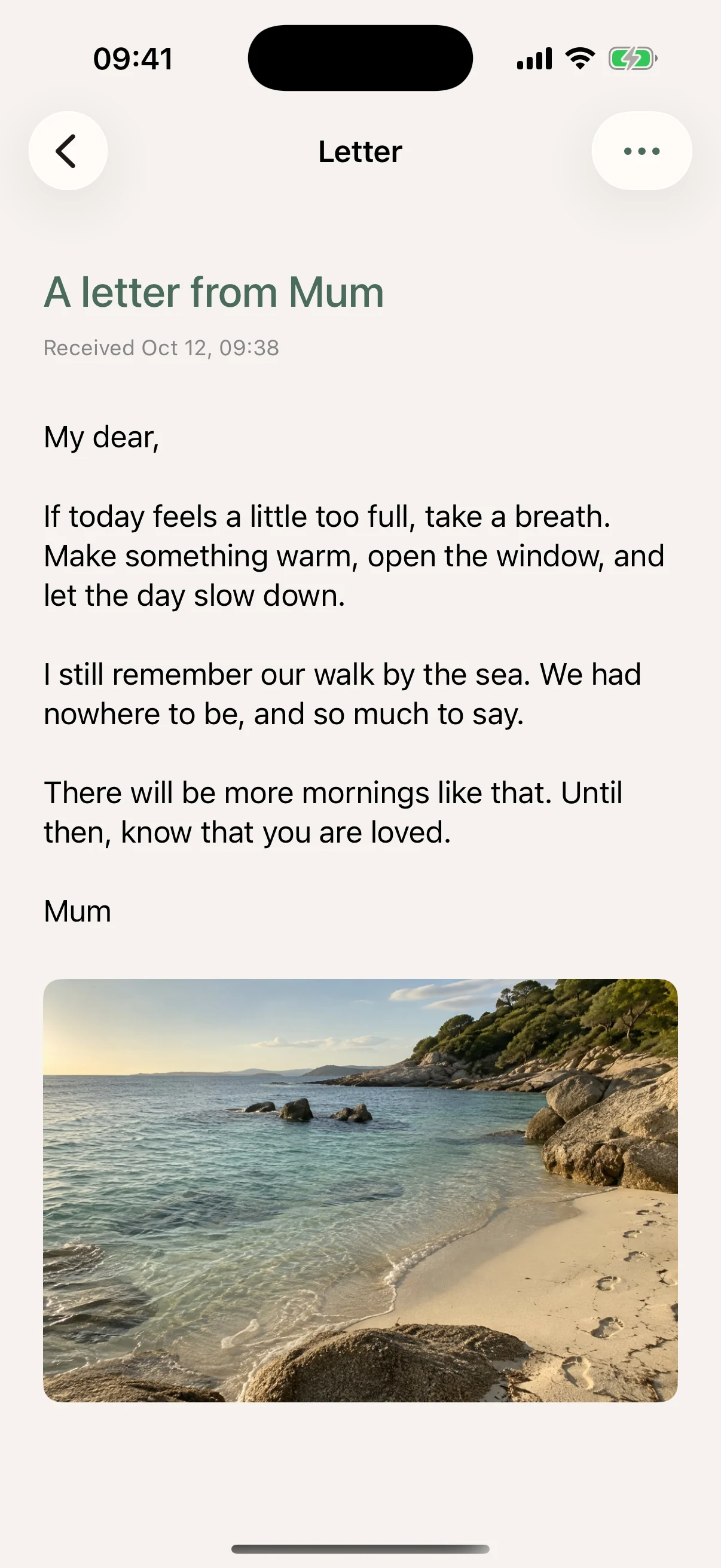
Schedule a Letter for yourself or someone close, or leave an Open When letter for them to open when it feels right.
Actual app screenshot · Sample entries and generated photos
No special occasion needed
Keep a Moment for yourself, share today in a space, or write a Letter for a future day. Start with whichever feels right to you.
Getting started →01 / My Moments · Keep a little of today
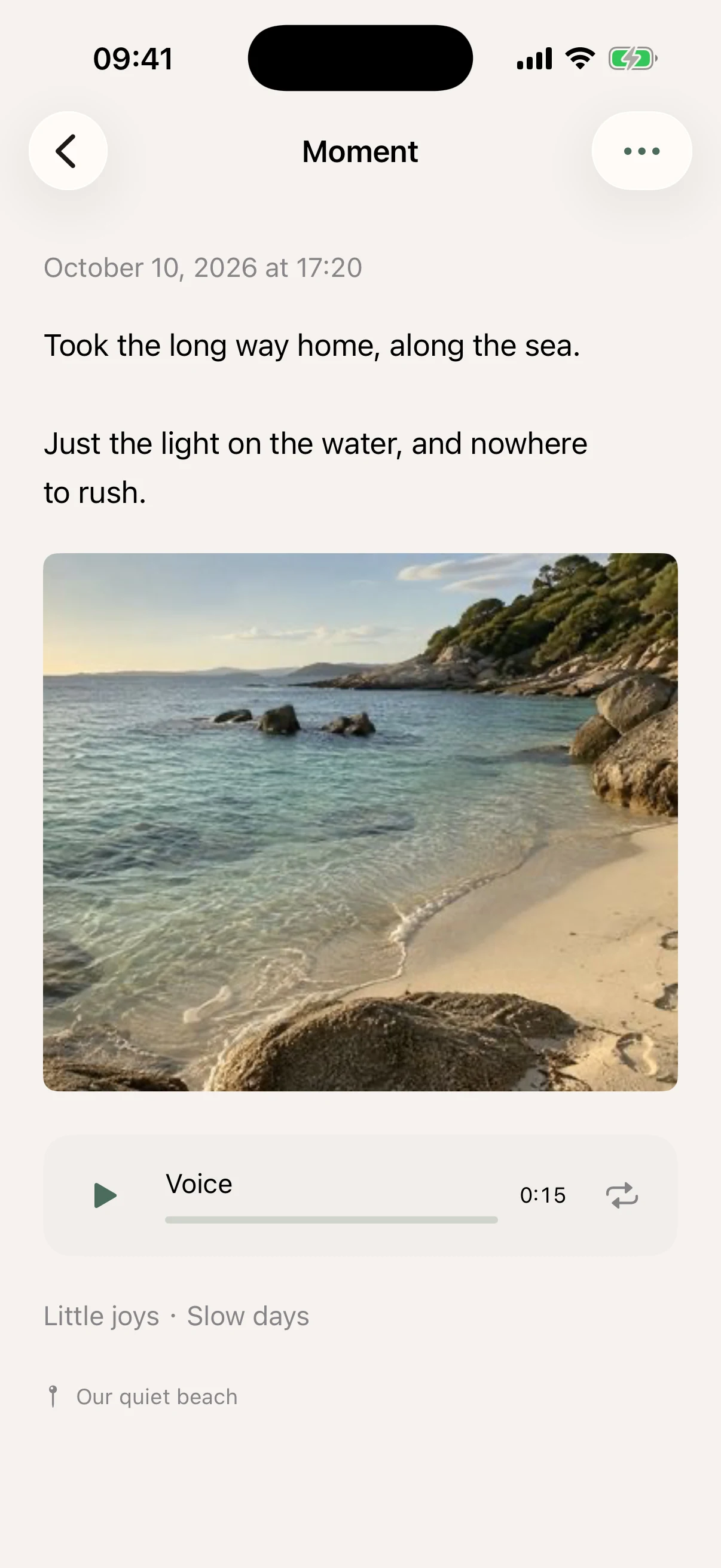
A meal you made, a thought on a walk, or something funny your child said. When typing isn’t convenient, record a few words. Keep text, photos, and audio on their own or together.
Photos keep the scene. Your voice keeps how it felt.
Organize entries with your own tags, filter by a tag, and look back through your timeline. Add a location and give it a name that means something to you.
My Moments keeps all entries you create together, including private entries and those shared with a space. Adding friends does not share them automatically.
Save on your iPhone first, then sync automatically when connected. About saving and recovery →
How Moments work →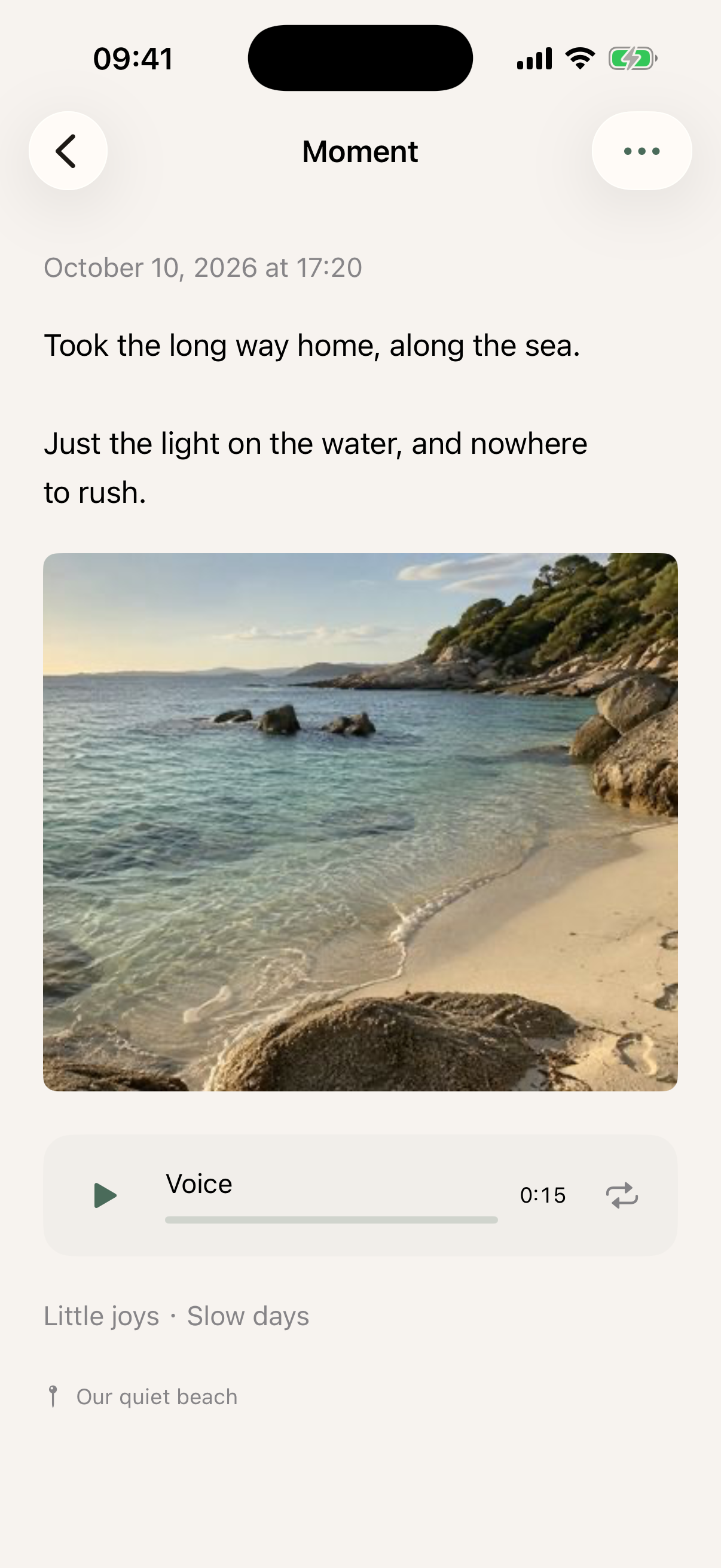
02 / Family Moments · Remember it together
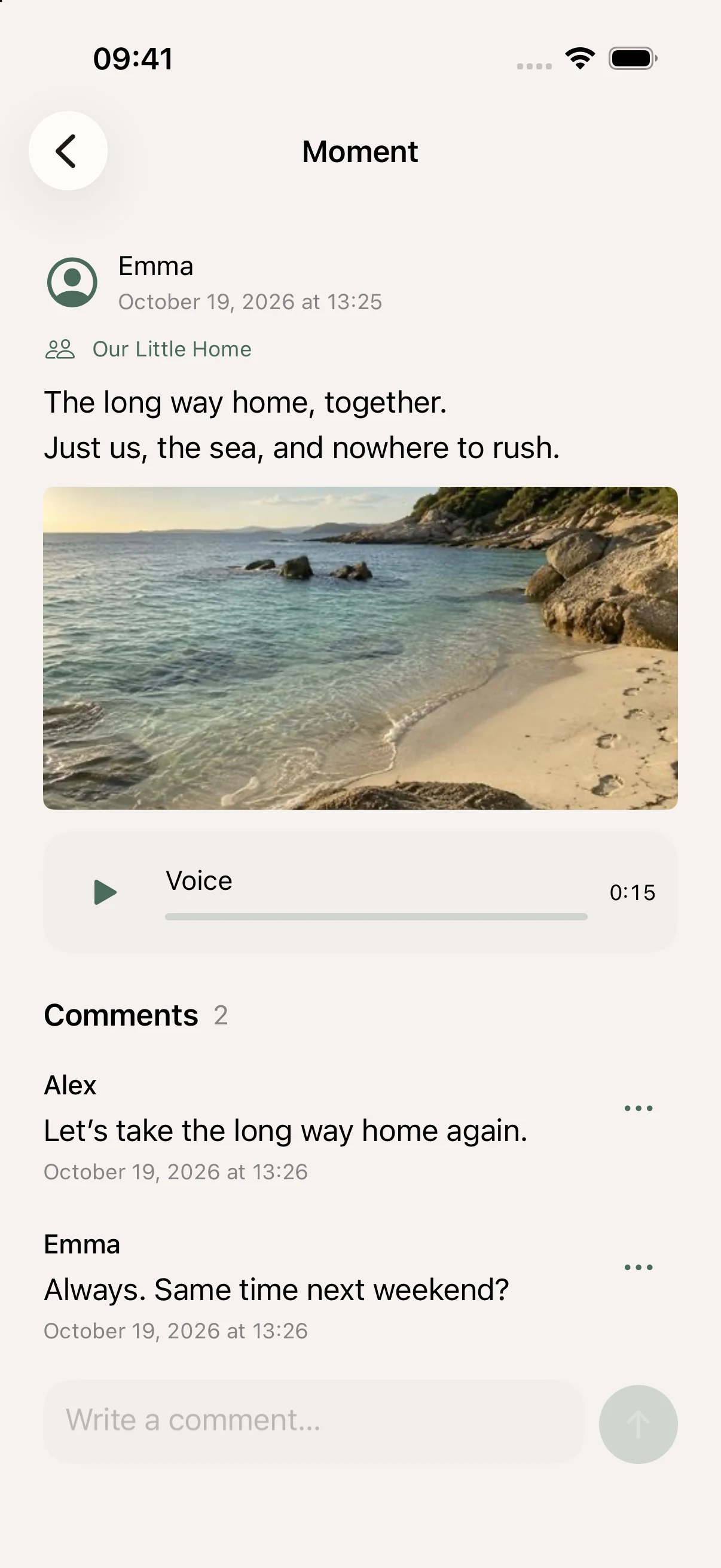
Dinner at home, a weekend walk, or a few words you want your family to hear. Create a private space with family or your partner, and share words, photos, and your own voice.
No likes. No public feed. Just the people you care about.
Comment and reply beneath a Moment, and revisit the days everyone has shared. Choose which entries to share and with which space. Your own entries stay together in My Moments.
No public feed or stranger discovery. Keep an entry to yourself or share it with one space you have joined.
How spaces and sharing work →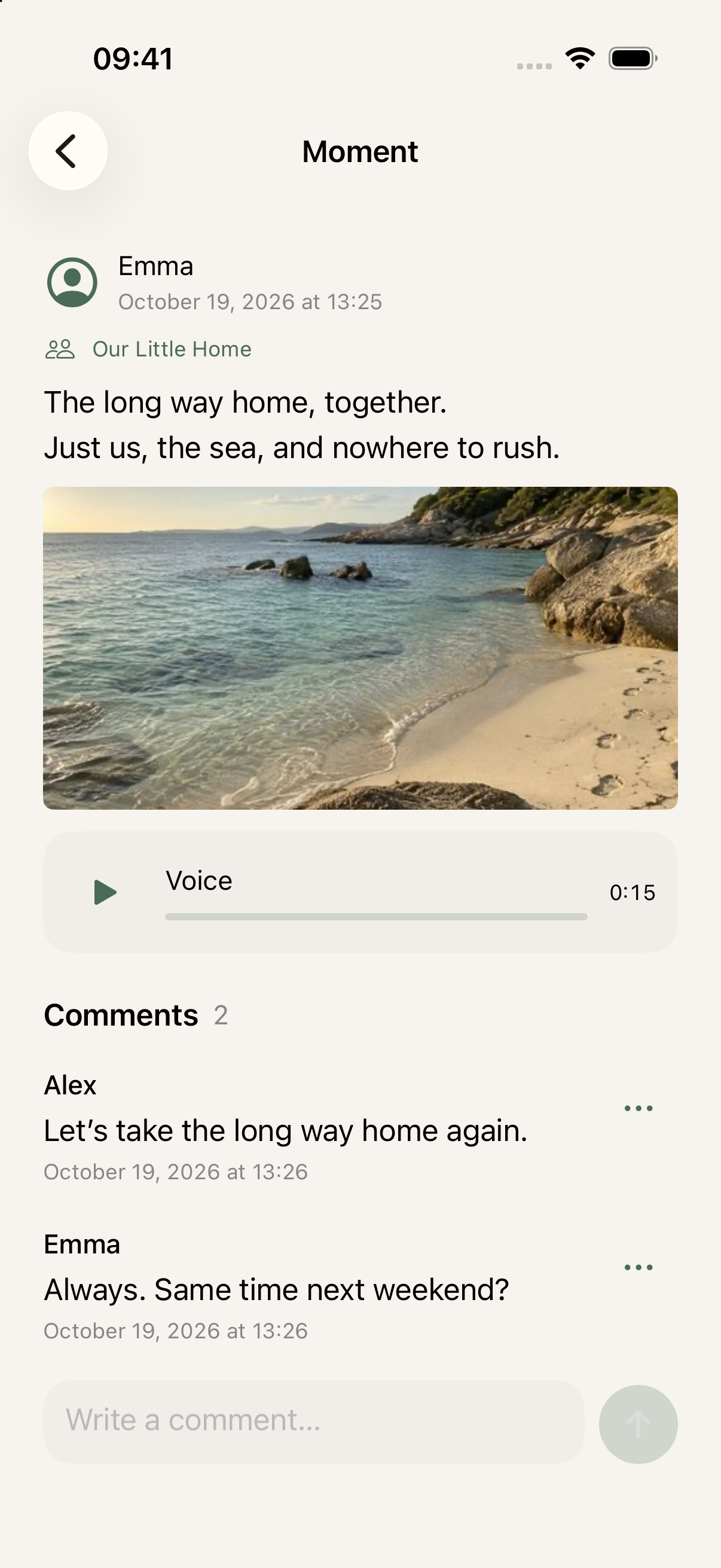
03 / Letters · For the right moment
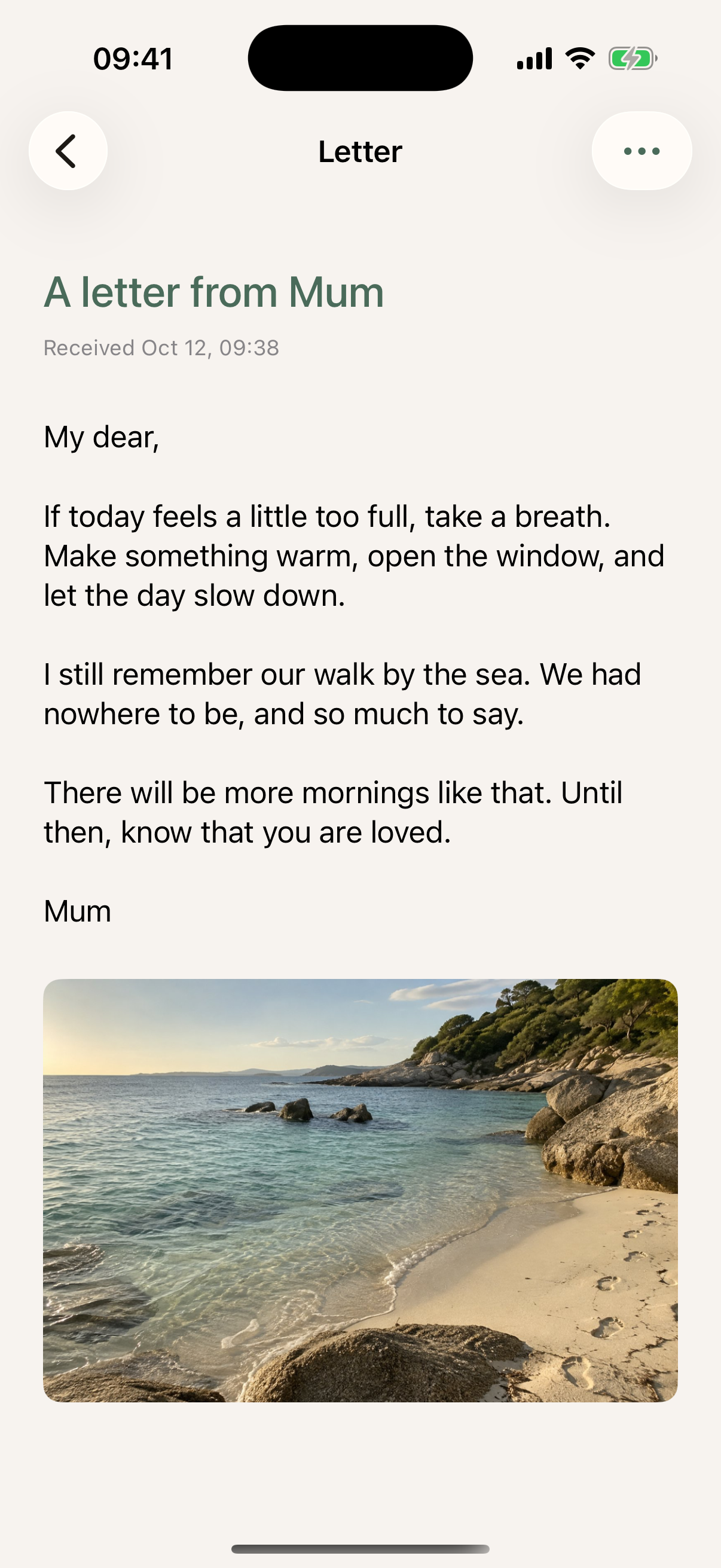
Write down a wish for next year’s you, add an old photo for your anniversary, or record a birthday message for family. Put it in a letter and choose a future date and time for it to arrive.
Or leave an Open When letter: “When you miss me.” It goes to their inbox, ready for them to open when the moment feels right.
A recording is optional. You can also save without choosing a recipient and decide later.
Choose a day, or leave it for the right moment
Choose a future date and time for yourself or a friend. The recipient chooses when to open it after delivery.
Describe when you would like this Letter to be opened, such as “when you miss that trip.” Once you choose a recipient and save, it goes directly to their inbox. They choose when to open it.
For you, or someone on your mind
Your own day, the life you share, or words for a future occasion. A photo and a few words are enough.
Your everyday life
“Nothing special happened. I just want to remember the sea breeze.”
Explore this story →Couples & partners
“I made your favorite dinner. Next time, together.”
Explore this story →Your future self
“I hope you remember what made today so good.”
Explore this story →Illustrative messages.
Explore all use cases →Start free · Optional VIP
Keep Moments, share in spaces, and send scheduled or Open When letters. Each Moment includes up to 9 photos and 1 minute of audio.
Save more of the stories they’ll want to hear again, with up to 5 minutes of your voice. Keep up to 30 photos per Moment and 9 per Letter, with 5-minute recordings in both.
When VIP expires, saved Moments and Letters keep their photos and audio without trimming.
How storage and access work →VIP follows the creator’s account, not the space. Members do not need VIP to view shared content.
No ads in the app, for both Free and VIP users.
Personal words deserve care
Your private records stay yours. Only Me entries stay private. Entries shared with a space are visible to its members. Adding friends does not automatically share your records.
You manage content and access. Change visibility, withdraw entries, or delete content. Moments are not used to train AI models or target ads.
A few things before you begin
No. New entries from My Moments default to Only Me; entries created in a space default to that space. You can check and change visibility before saving. All entries you create remain in My Moments.
Current members of that space can see published Moments, including its history before they joined. Non-members and members of other spaces cannot. You can withdraw your entries to Only Me; this cannot retrieve copies someone has already saved.
Create a Letter, choose yourself or one friend as the recipient, and set a future date and time. The recipient can open it after delivery. A letter without a recipient will not be delivered.
Once you choose a recipient and save, the letter goes directly to their inbox. You describe a moment, such as “when you miss me,” and they decide when to open it. No AI conversation is needed, and DearWith does not detect when that moment happens.
Start with a few words today
You don’t need a special occasion, or all the words at once.